BusinessPress vs WordPress — The Modern Alternative for Business Owners
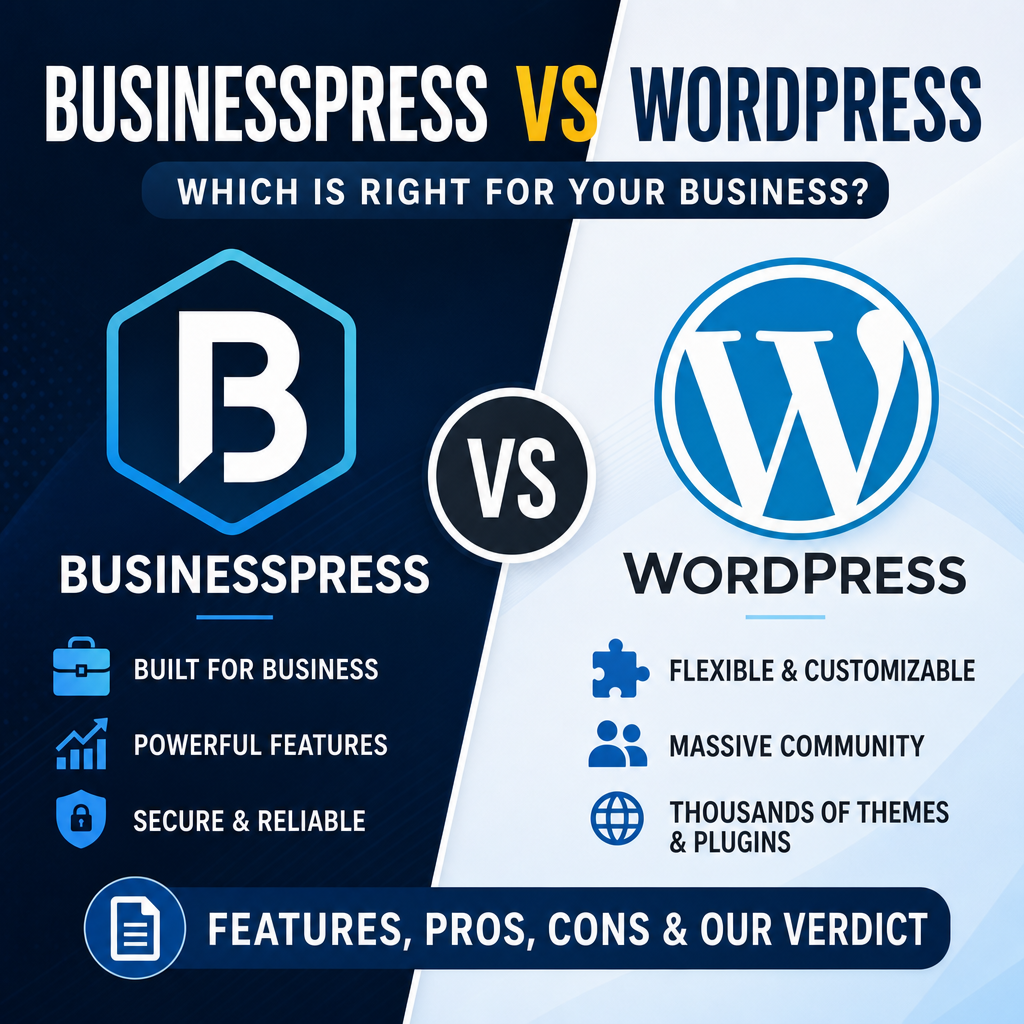
If you're launching a business online in 2026, you've almost certainly considered WordPress. It powers over 40% of the web, has a massive ecosystem, and nearly every developer has touched it at some point. But that dominance comes with trade-offs — ones that a growing number of founders and agencies are deciding they can no longer afford.
BusinessPress takes a fundamentally different approach. Instead of assembling a patchwork of plugins to build a business website, it ships as a complete, integrated platform from day one. This article offers a fair, detailed comparison so you can decide which is the right tool for your next project.
Architecture: All-in-One vs. Plugin Ecosystem
WordPress was built as a blogging tool in 2003 and evolved into a general-purpose CMS through its plugin architecture. Need e-commerce? Install WooCommerce. Need forms? Install Gravity Forms or WPForms. Need SEO tools? Install Yoast or Rank Math. Need a page builder? Install Elementor, Beaver Builder, or Divi.
Each plugin introduces its own database tables, admin interfaces, update cycles, and potential conflicts. A typical business website running WordPress might depend on 15–30 active plugins, each from a different vendor with different quality standards and release schedules.
BusinessPress is built on Laravel — the most popular modern PHP framework — and ships with pages, blog, e-commerce, CRM, file management, and AI tools as integrated core modules. There is no plugin layer to manage. Everything shares the same database schema, the same design system, and the same release pipeline.
This isn't just a convenience difference. It eliminates an entire category of problems: plugin conflicts, version incompatibilities, abandoned plugins that leave security holes, and the "which plugin should I use?" paralysis that plagues every WordPress project.
Cost of Ownership: Subscription vs. Hidden Expenses
WordPress itself is free, but running a real business site on it is not. Here's what a typical WordPress business website actually costs per year:
- Managed hosting: $300–$600/year (Kinsta, WP Engine, Cloudways)
- Premium theme: $60–$200/year
- WooCommerce extensions: $200–$800/year (payments, subscriptions, shipping)
- SEO plugin (pro): $100–$200/year
- Security plugin: $100–$300/year (Wordfence, Sucuri)
- Backup solution: $50–$100/year
- Form builder (pro): $60–$200/year
- Page builder (pro): $50–$200/year
Total: $920–$2,600/year — and that's before counting the time you spend managing updates, resolving conflicts, and troubleshooting compatibility issues after every WordPress core release.
BusinessPress includes all of this in a single subscription. Hosting, e-commerce, CRM, page builder, AI assistant, SEO tools, security — it's all built in. One bill, one vendor, one update to manage. For solo founders especially, this predictability is a game-changer.
Developer Experience: Laravel + Livewire vs. Legacy PHP
If you're a developer building for clients — or a technical founder building your own product — the developer experience matters enormously. It determines how fast you can ship, how confidently you can make changes, and how easily you can onboard new team members.
The WordPress Stack
WordPress core is written in procedural PHP that predates modern language features. The template hierarchy, hook system (add_action/add_filter), and global state management were revolutionary in 2005 but feel dated compared to modern frameworks. Gutenberg, the block editor, adds a React/JavaScript layer on top, creating a split-brain architecture where developers need to context-switch between PHP templates and JavaScript components.
Testing WordPress code is notoriously difficult. The global state, database-dependent functions, and tight coupling between components make unit testing an uphill battle. Most WordPress agencies rely primarily on manual QA rather than automated test suites.
The BusinessPress Stack
BusinessPress is built on Laravel 11 with Livewire 3 for interactive components. This means:
- Eloquent ORM for type-safe, expressive database queries
- Blade templates with component-based architecture
- Livewire for reactive UI without writing JavaScript
- Artisan CLI for scaffolding, migrations, and maintenance
- PHPUnit + Pest testing out of the box
- Composer for dependency management with proper version locking
For developers coming from any modern framework — Rails, Django, Next.js — the BusinessPress codebase will feel immediately familiar. For WordPress developers, it's a significant upgrade in tooling and code organization.
Security: Single Vendor vs. Plugin Attack Surface
Security is where the architectural difference between the two platforms creates the most consequential real-world impact.
WordPress's plugin ecosystem is its greatest strength and its greatest vulnerability. According to Patchstack's 2024 security report, 97% of WordPress vulnerabilities come from plugins and themes, not WordPress core. Every plugin you install is code from a third-party developer with varying security practices, and every plugin is a potential entry point for attackers.
The attack pattern is well-established: a popular plugin discloses a vulnerability, a patch is released, but thousands of sites don't update immediately. Automated bots scan for vulnerable installations and exploit them within hours of disclosure. If you're running 20+ plugins, you have 20+ potential weak links in your security chain.
BusinessPress has a fundamentally smaller attack surface. All functionality comes from a single codebase maintained by one team. Security patches are deployed as platform updates — there's no waiting for five different plugin vendors to release fixes on their own timelines. The Laravel foundation also provides built-in protections against SQL injection, XSS, and CSRF that are enforced framework-wide, not bolted on per-plugin.
E-Commerce: Built-in Stripe vs. WooCommerce Complexity
For business owners who need to sell products, accept payments, or manage subscriptions, the e-commerce story is dramatically different between the two platforms.
WooCommerce on WordPress
WooCommerce is powerful and flexible, but that flexibility comes at a cost. A basic WooCommerce setup requires the core plugin plus extensions for payment gateways, shipping calculations, tax management, and subscription handling. Each extension has its own license, update cycle, and compatibility requirements.
Setting up Stripe on WooCommerce means installing the WooCommerce Stripe Gateway plugin, configuring webhook endpoints, and hoping the plugin stays compatible with both WooCommerce and Stripe API updates. Subscription management adds another plugin (WooCommerce Subscriptions, $239/year) with its own quirks and limitations.
BusinessPress Commerce
BusinessPress ships with Stripe integration as a core module. Products, orders, subscriptions, invoices, and discount codes are all native entities in the system. There's no extension to install, no webhook to manually configure, and no third-party compatibility to worry about.
Creating a product with subscription billing is a single form submission. Setting up a discount code that applies to specific products or subscription tiers works out of the box. The checkout flow is built into the platform's design system, so it looks and feels consistent with the rest of your site without custom CSS overrides.
AI Integration: Native MCP vs. Third-Party Plugins
This is where the gap between the two platforms is widest — and growing.
BusinessPress includes a native AI assistant powered by the Model Context Protocol (MCP). This isn't a chatbot bolted onto the sidebar. The AI assistant can directly interact with your content, products, leads, and settings through a structured API. It understands your data model and can help you create content, manage products, analyze leads, and automate workflows.
The MCP server exposes every entity type — pages, blog posts, products, orders, leads — as tools that AI agents can use. This means you can integrate BusinessPress with any MCP-compatible AI client, build custom automation workflows, or use the built-in dashboard assistant to manage your site conversationally.
WordPress has no equivalent native capability. AI features come through plugins like Jepack AI, Yoast AI, or various ChatGPT integration plugins. Each has limited scope (usually just content generation), no deep platform integration, and no standardized protocol for external AI tools to interact with your site's data.
As AI becomes central to how businesses operate their online presence, having native, protocol-level AI integration is not a nice-to-have — it's a structural advantage.
Page Building and Content Management
Both platforms offer visual page building, but the approaches reflect their architectural differences.
WordPress offers Gutenberg (the block editor) for core editing, plus third-party page builders like Elementor, Beaver Builder, and Divi. Each page builder stores content in its own format, creating vendor lock-in. Switching from Elementor to the block editor means rebuilding every page. The rendered HTML from page builders is often bloated with excessive div nesting and inline styles, impacting performance.
BusinessPress includes an integrated page builder with Twig-based templates, plus support for raw HTML pages (with optional Tailwind CDN) and a WYSIWYG editor. Content is stored in a single, consistent format. The page builder components are part of the core design system, so they automatically match your site's theme without additional styling.
There's also a practical difference in how content is managed day-to-day. BusinessPress provides a unified dashboard where pages, blog posts, products, and leads live side by side. In WordPress, content management often means navigating between the main dashboard, WooCommerce's separate admin screens, and various plugin settings pages — each with its own UI patterns and navigation.
Updates and Maintenance
One of the most underappreciated differences between the two platforms is the ongoing maintenance burden.
With WordPress, updates are a constant concern. WordPress core releases updates roughly every month. Each of your 20+ plugins has its own update schedule. WooCommerce alone pushes updates every few weeks. Every update carries a risk of breaking something — a theme incompatibility, a deprecated function, or a conflict between two plugins that were updated on different schedules. Many WordPress site owners dread the update cycle and either delay updates (creating security risks) or spend hours testing after each batch of updates.
BusinessPress updates are coordinated because everything ships from one team. When a new version is released, all components — the CRM, e-commerce, page builder, and AI assistant — are tested together before release. There's no "Plugin A works with the new version but Plugin B doesn't" scenario to troubleshoot. For business owners, this means less time maintaining the platform and more time running the business.
When WordPress Is Still the Right Choice
A fair comparison requires acknowledging where WordPress genuinely excels:
- Massive plugin catalog: If you need a very specific, niche integration — say, a booking system for pet groomers with SMS reminders — there's probably a WordPress plugin for it. BusinessPress's integrated approach means fewer but more polished built-in features.
- Existing sites: If you already have a WordPress site with years of content, SEO authority, and established workflows, migrating is a significant undertaking. The switching cost is real.
- Community and talent pool: Finding a WordPress developer is easier and often cheaper than finding a Laravel developer. The WordPress ecosystem has decades of tutorials, forums, and Stack Overflow answers.
- Multisite networks: WordPress Multisite is a mature solution for managing dozens or hundreds of related sites from a single installation. BusinessPress serves a different use case — one powerful site per instance.
- Free tier: If budget is the absolute primary constraint and you're willing to manage your own hosting, WordPress's $0 price tag is hard to beat for getting started.
Making the Decision
The choice between BusinessPress and WordPress ultimately comes down to what you value most:
Choose BusinessPress if you want:
- A complete business platform with no plugins to manage
- Predictable costs with everything included
- Modern developer experience (Laravel, Livewire, Eloquent)
- Native AI integration with MCP protocol support
- Built-in e-commerce with Stripe, subscriptions, and invoicing
- A smaller security attack surface with single-vendor updates
Choose WordPress if you want:
- Access to 60,000+ plugins for any conceivable feature
- The largest developer community in the CMS world
- Maximum flexibility in hosting and infrastructure
- A proven, decades-old ecosystem with abundant documentation
For solo founders launching a new business, agencies building client sites on a modern stack, and any team that values integration over assembly — BusinessPress offers a compelling alternative to the WordPress status quo. It's not about WordPress being bad. It's about a new generation of platforms being purpose-built for how businesses actually operate online today.